Bluedose


Quick answer
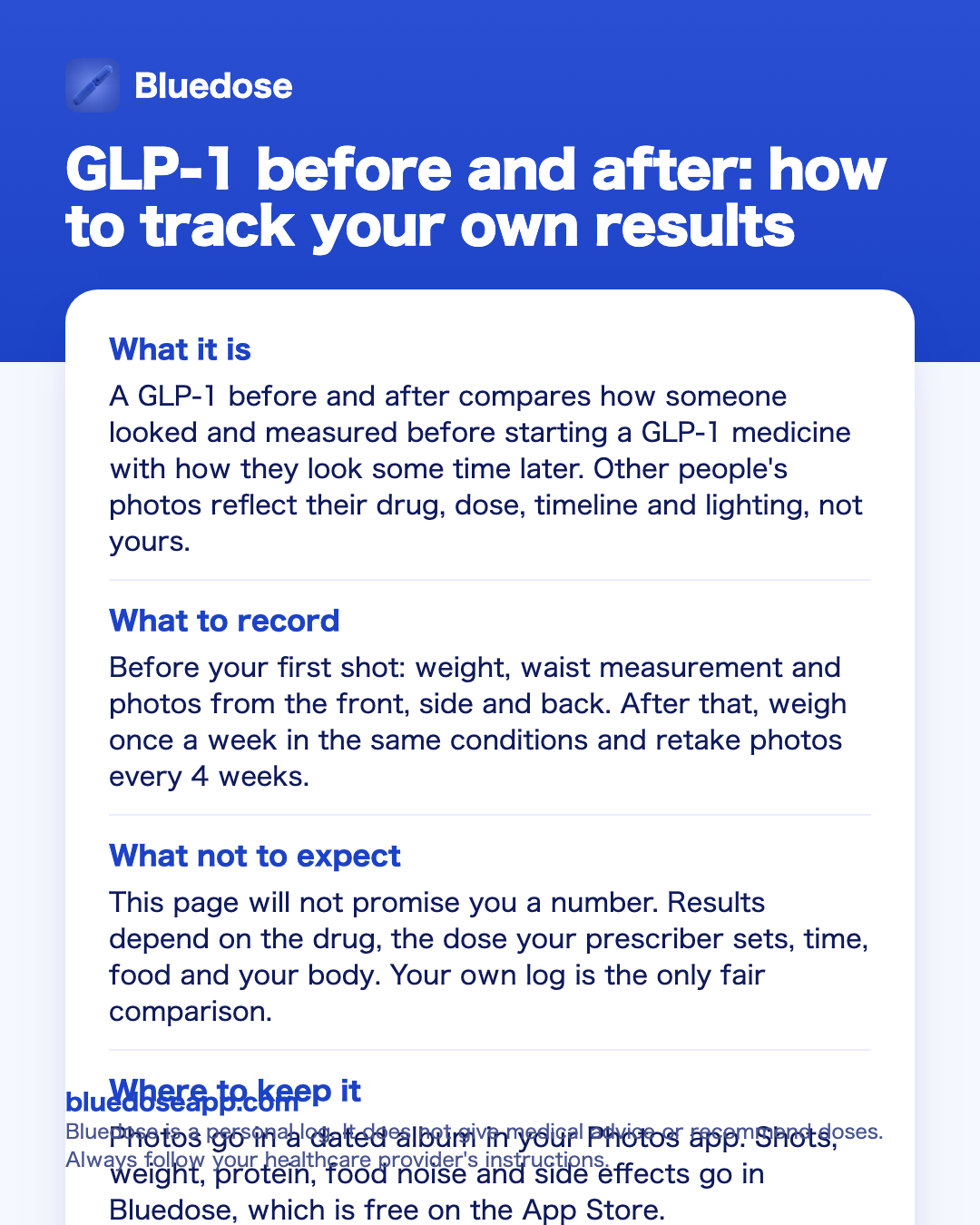
- What it isA GLP-1 before and after compares how someone looked and measured before starting a GLP-1 medicine with how they look some time later. Other people's photos reflect their drug, dose, timeline and lighting, not yours.
- What to recordBefore your first shot: weight, waist measurement and photos from the front, side and back. After that, weigh once a week in the same conditions and retake photos every 4 weeks.
- What not to expectThis page will not promise you a number. Results depend on the drug, the dose your prescriber sets, time, food and your body. Your own log is the only fair comparison.
- Where to keep itPhotos go in a dated album in your Photos app. Shots, weight, protein, food noise and side effects go in Bluedose, which is free on the App Store.

Best overall: Bluedose
A before and after is only as good as the record behind it. Bluedose logs every shot with drug, dose, time and injection site, and charts weight, protein and food noise over time, so the change between your first photo and your latest has dates and context. It needs no account and keeps your data on your iPhone and in your own private iCloud.
Free on the App StoreWhat a GLP-1 before and after really shows
Search for GLP-1 results and you will find thousands of side-by-side photos. They are real moments in real lives. They are also hard to read, because each one hides details you rarely see:
- Which drug. Tirzepatide (Mounjaro, Zepbound) and semaglutide (Ozempic, Wegovy) are different medicines with different dose schedules.
- Which dose and for how long. Both follow a step-up schedule over months. A photo at week 8 and a photo at week 40 tell different stories.
- What else changed. Food, protein, sleep, activity and other medicines all play a part.
- How the photo was taken. Light, angle, posture, clothing and time of day change how a body looks.
This page does not quote weight-loss numbers or study results. A number from someone else will not tell you what will happen to you. Your prescriber is the right person to talk to about what to expect in your situation.
What you control is the quality of your own record. If you start on day one with a weight, a measurement and a set of photos, you will have a fair comparison at three months, six months and a year. You will also know what was going on in between: the dose you were on, the weeks you felt sick, the shots you took late.
Faces change too, and many people notice it in photos before they notice it in the mirror. If that is on your mind, read about ozempic face.
How to take before and after photos you can compare
The goal is a photo you can line up with the next one. Keep everything the same except you.
- Same place. One spot at home, the same background, the same light. Window light changes with the seasons, so a fixed indoor light is easier to repeat.
- Same time. Morning, before breakfast, is simple to repeat.
- Same clothes. Fitted clothing or the same outfit each time. Loose clothes hide change.
- Same distance and height. Mark the floor with tape, prop the phone at the same height and use the timer.
- Same poses. Front, side and back, arms relaxed. A relaxed stance is easier to repeat than a posed one.
- Same rhythm. Every 4 weeks is enough. Daily photos make change invisible because each step is too small.
Keep the photos in a separate album in your Photos app and put the date in the album or file name. That date matters. It lets you line each set up with your shot history, your weight trend and any dose change.
Bluedose does not store photos. It keeps the record that explains them: which dose you were on, every shot you took, your weight over time and how much protein you logged.
A note on privacy: before and after photos are personal. You do not need to post them anywhere to get value from them. Many people keep them only for themselves and look at them when the scale feels slow.
Weight, measurements and the trend behind the photo
Photos show shape. Numbers show direction. Use both.
Weight. Weigh at the same time and in the same conditions each time, for example once a week right after waking. Daily weight moves with water, salt and digestion. The common side effects of these medicines, such as nausea, constipation and diarrhea, will move the scale too. A weekly reading on a fixed day keeps the noise down.
Waist. A tape measure around the waist at the same spot adds a second number that does not depend on the scale. Write down where you measured so you repeat it.
The trend. One reading means little. Ten weekly readings form a line. A GLP-1 weight loss tracker shows that line, so a flat week reads as a flat week and not as failure. If the line stays flat for a while, read about the weight loss plateau on ozempic and bring it up with your prescriber.
Day one. Record your starting weight and waist on the day of your first dose, or the day before. Without a clear starting point, every later number is a guess. If you have already started, record today. A late start is still a start, and your next photo set will compare against it.
Tirzepatide before and after: dose steps to log next to your photos
If you take Mounjaro or Zepbound, your before and after will span several dose steps. The prescribing information describes this schedule:
- Start at 2.5 mg once weekly for 4 weeks. 2.5 mg is a starting dose, not a maintenance dose.
- Then increase in 2.5 mg steps (5, 7.5, 10, 12.5 mg) after at least 4 weeks on the current dose.
- The maximum is 15 mg once weekly.
Your prescriber decides when, and whether, you move up. Follow your prescriber, not a chart or a stranger's timeline. The full label schedule is on the mounjaro dosage page.
Why this matters for your comparison: the most common side effects, such as nausea, diarrhea, vomiting, constipation and decreased appetite, are usually most common when starting or after a dose increase. A week where nausea kept you from eating will show on the scale. When each shot is logged with its dose, you will see which photo was taken at 5 mg and which at 10 mg, and which weeks followed a step up. If a change is coming, the mounjaro dose increase guide explains what the label says.
Missed and late shots belong in the log too. For Mounjaro and Zepbound, the label says to take a missed dose as soon as possible within 4 days (96 hours). If more than 4 days have passed, the label says to skip it and take the next dose on the regular day, keeping at least 3 days (72 hours) between two doses. Tirzepatide has an elimination half-life of about 5 days and is mostly gone about 30 days after the last dose.
Ozempic before and after: semaglutide schedules
Semaglutide comes as Ozempic (type 2 diabetes) and Wegovy (weight). Both start low and step up. The prescribing information describes the steps:
- Ozempic: 0.25 mg once weekly for 4 weeks as a starting dose, then 0.5 mg. It may be increased to 1 mg after at least 4 weeks, then to 2 mg after at least 4 more weeks. The maximum is 2 mg.
- Wegovy: 0.25 mg in weeks 1-4, 0.5 mg in weeks 5-8, 1 mg in weeks 9-12, 1.7 mg in weeks 13-16, and 2.4 mg once weekly from week 17. 1.7 mg is allowed as a maintenance dose if 2.4 mg is not tolerated. A higher 7.2 mg option exists in some countries; ask your prescriber.
The ozempic dosage and wegovy dosage pages have the full label detail. Your prescriber sets your dose and your pace.
For a before and after, this is useful context. On the Wegovy label schedule, the 2.4 mg dose starts at week 17, about four months in. A photo at week 6 shows you on 0.5 mg. Keep that in mind before you compare your early photos with someone's one-year picture.
Semaglutide has an elimination half-life of about one week and takes about 5 weeks to clear. If you pause or stop, your log shows the date of the last shot, which helps you and your prescriber read any change that follows.
If you use compounded semaglutide or tirzepatide, it comes in vials at different strengths, and the dose in units depends on the vial's mg/mL. Compounded drugs are not FDA-approved; always follow the pharmacy's label. Log the dose in mg as your prescriber wrote it, so your history stays clear if the vial strength changes.
Protein, food noise and side effects: the parts a photo misses
A photo cannot show how you feel. Three things are worth logging next to the scale.
Protein. Decreased appetite is one of the most common effects listed on the labels. When portions shrink, it is worth knowing how much protein you get each day. Ask your prescriber or a dietitian what daily goal fits you, then log it. More in protein on GLP-1.
Food noise. Many users describe constant thoughts about food that quiet down on GLP-1s. It is a user term, not a label term, but it comes up often when people talk about their before and after. A short daily check-in turns a vague feeling into a line on a chart. Read more about food noise.
Side effects. Nausea, diarrhea, constipation, tiredness, burping and injection-site reactions are among the most common. Logging them with the date and dose shows patterns and gives your prescriber clear notes. A side effect tracker keeps them in one place. Serious symptoms, such as severe stomach pain that may reach the back, need medical help, not a log entry.
Put together, these notes make your after more than a number. A line like 'waist down one notch, food noise quiet most days, nausea eased in the third week on the new dose' is a before and after you will use. It tells you what changed, when, and what it felt like.
Ways to track your before and after
Each option below works. They differ in how much you type by hand and how easy it is to see the whole picture later.
| What you track | Photos app + notes | Spreadsheet | Bluedose |
|---|---|---|---|
| Before and after photos | Yes, in a dated album | Links or file names only | Not stored; keep photos in your Photos app |
| Weekly weight | Typed into a note | Yes, with a chart you build | Yes, with trends over time |
| Shot log (drug, dose, time) | Typed by hand | Typed by hand | One tap per shot, full history |
| Injection site rotation | Hard to follow | Possible with a column | Body map that suggests the next site |
| Protein | Typed into a note | Possible with formulas | One tap, daily goal fills up |
| Food noise and side effects | Free-text notes | Possible with columns | Check-ins with notes, food noise trend |
| Reminders | Separate calendar or alarm | None built in | Reminder at your time, Lock Screen card on shot day |
| Questions about your own logs | Search your notes | Write formulas | Ask, powered by Apple Intelligence (supported iPhones) |
| Privacy | Depends on your settings | Depends where the file is saved | No account, no ads, no tracking; iPhone and your private iCloud |
| Devices | Any phone | Any computer | iPhone only (iOS 18+) |
When the Photos app and a notes file are enough
For many people that is enough. If you take one weekly shot, feel fine, and only want to see change over a few months, a simple setup works well:
- A dated album in your Photos app with front, side and back photos every 4 weeks.
- One note with the date, dose and weight each week.
- A repeating calendar alert for shot day.
This costs nothing, works on any phone, and keeps your photos where you already look at them. A paper log on the fridge works too. If you write it down every week, you will have a clear before and after.
The limits show up over time. Notes do not draw a trend line, so a slow month is hard to read. They do not remember which injection site you used last. Side effects end up scattered across days, and it takes effort to see which ones followed a dose increase. And when your prescriber asks how the last three months went, scrolling through a long note is slow.
When you need more than a notes file
- You want a weight trend over weeks and months without building a chart yourself.
- Your dose has changed, or will change, and you want each photo and weight reading tied to the dose you were on.
- You want help rotating injection sites so you do not reuse the same spot.
- You log protein, food noise or side effects and want to see them next to your weight, not in separate places.
- You want a clear, dated history to show your prescriber at the next visit.
How to start your before and after with Bluedose
Take your day-one set
Before your first shot, or today if you have already started, take front, side and back photos in your usual spot and save them to a dated album in your Photos app. Weigh yourself and measure your waist.
Install Bluedose and add your medicine
Download Bluedose, free on the App Store. Choose your drug (Zepbound, Mounjaro, Wegovy, Ozempic, or compounded semaglutide or tirzepatide), type the dose your prescriber gave you, and set your schedule: weekly, twice weekly, daily or custom. No account is needed.
Log your first shot and site
Log the shot in a tap with drug, dose and time. Tap the spot on the body map where you injected. Bluedose remembers the rotation and suggests the next site.
Set your reminder
Pick the time you want to be reminded. On shot day, a Lock Screen card shows up with a Log Shot button, so the entry takes a second.
Log weekly, compare every 4 weeks
Add your weight each week, tap in protein as you eat, and do a quick check-in on food noise and side effects. Every 4 weeks, take a new photo set and open Trends next to it. On supported iPhones, use Ask to question your own logs, such as whether your food noise is changing.
FAQ
How long until I see a GLP-1 before and after difference?
No honest page will give you a number of weeks. Change depends on the drug, the dose your prescriber sets, how long you have been on it, food, activity and your own body. Both tirzepatide and semaglutide start at a low dose and step up over months. Your prescriber is the right person to ask what to expect. Your job is to record a clear starting point so you will see change when it comes.
What does a tirzepatide before and after usually cover?
A tirzepatide before and after for Mounjaro or Zepbound will span several dose steps. The prescribing information starts at 2.5 mg once weekly for 4 weeks, then increases in 2.5 mg steps after at least 4 weeks on the current dose, up to a maximum of 15 mg once weekly. Your prescriber decides your pace. Logging each shot with its dose lets you see which photo was taken on which dose.
Are Ozempic before and after photos online realistic?
Most Ozempic before and after photos online show real people. What they rarely show is the context: the dose, how many months passed, what else changed, and how the photos were taken. Light, angle and clothing change how a body looks. Treat them as someone else's story, not as a prediction for you.
How often should I take progress photos?
Every 4 weeks works well for most people. Daily or weekly photos make change hard to see because the steps are small. Use the same place, light, time of day, clothes, distance and poses each time. Take front, side and back views and keep them in a dated album in your Photos app.
Should I weigh myself every day or once a week?
That is a personal choice. Daily weight moves with water, salt and digestion, and side effects like nausea or constipation will shift the scale too. A weekly reading on the same day, at the same time and in the same conditions keeps the noise down. Whatever you choose, look at the trend over weeks, not a single reading.
Can Bluedose store my before and after photos?
No. Bluedose does not store photos. Keep your photos in a separate album in your Photos app. Bluedose keeps the record that explains them: every shot with drug, dose, time and injection site, plus weight, protein and food noise over time, and side effect check-ins with notes.
What should I bring to my prescriber from my before and after?
Bring your weight trend, your shot history with doses and any missed or late shots, your side effects with dates, and notes on appetite or food noise. Photos are optional. Clear, dated notes help your prescriber understand what happened between visits. Your prescriber decides any change to your dose.
Bottom line
Other people's GLP-1 before and after photos are real, but they cannot tell you what will happen to you. The fair comparison is your own: photos taken the same way every 4 weeks, a weekly weight reading, and a record of each shot, dose, side effect and day of good or bad appetite. A dated photo album and a simple note will do this for many people. If you want trends, site rotation and a clear history in one place, Bluedose is built for that, while your photos stay in your Photos app.
Your prescriber sets your dose and decides any change. Use your log to bring clear notes to each visit. This is general information, not medical advice.
Sources
- Mounjaro prescribing information
- Zepbound prescribing information
- Ozempic prescribing information
- Wegovy prescribing information
- Lilly: how long tirzepatide stays in the body
Save this guide
Keep the key points as an image on your phone.
Start your own before and after today
Log your first shot, weight and protein in Bluedose, free on the App Store.
Free on the App Store