Bluedose


Quick answer
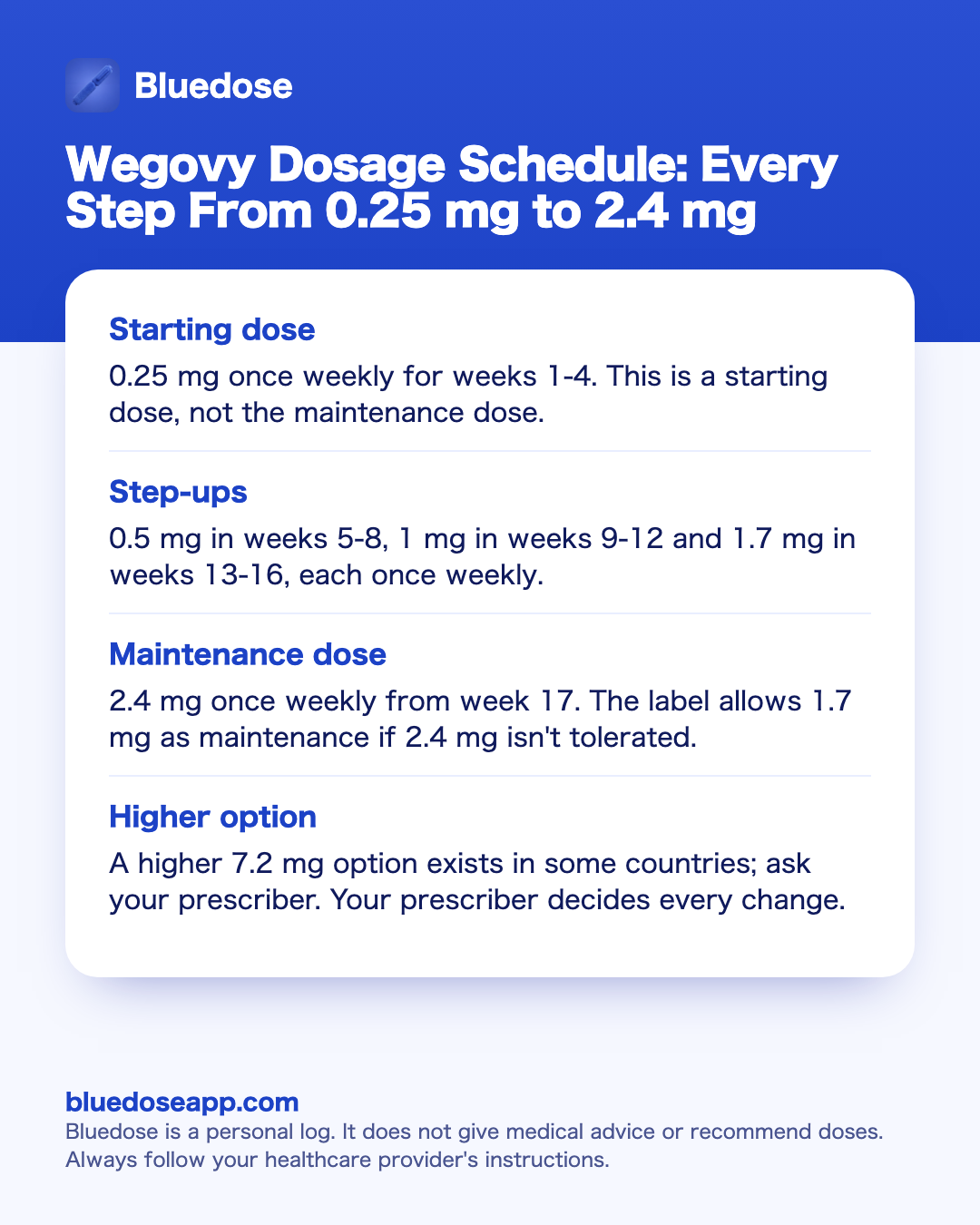
- Starting dose0.25 mg once weekly for weeks 1-4. This is a starting dose, not the maintenance dose.
- Step-ups0.5 mg in weeks 5-8, 1 mg in weeks 9-12 and 1.7 mg in weeks 13-16, each once weekly.
- Maintenance dose2.4 mg once weekly from week 17. The label allows 1.7 mg as maintenance if 2.4 mg isn't tolerated.
- Higher optionA higher 7.2 mg option exists in some countries; ask your prescriber. Your prescriber decides every change.

Best overall: Bluedose
The Wegovy schedule changes dose every four weeks for four months, so the hard part is remembering which dose you took, when, and how it felt. Bluedose logs each shot in a tap with the dose your prescriber gave, the time and the injection site, and keeps check-ins for side effects alongside. It is a private Wegovy app for your own records; it does not recommend doses.
Free on the App StoreThe Wegovy dose schedule, week by week
Wegovy is semaglutide prescribed for weight. It is a once-weekly injection under the skin. The prescribing information builds the dose in five steps, and each of the first four steps lasts four weeks.
- Weeks 1-4: 0.25 mg once weekly. This is the starting dose.
- Weeks 5-8: 0.5 mg once weekly.
- Weeks 9-12: 1 mg once weekly.
- Weeks 13-16: 1.7 mg once weekly.
- Week 17 onward: 2.4 mg once weekly. This is the maintenance dose.
That is 16 weeks of step-ups before the maintenance dose. In practice it means four different pens in four months, then a steady dose after that. Each change is a new number to remember, which is why so many people keep a written record from the first shot.
The schedule is weekly, so a fixed shot day makes it easier to follow. Many people choose a day that is calm and predictable, such as a weekend morning. The label table is the standard plan. Your own plan will come from your prescriber, and it will not always match the table week for week. When the two differ, follow your prescriber.
If you want a one-page view to print or save, the Wegovy dosage chart lays out the same steps in a simple grid. For the broader picture of the active ingredient across brands, see semaglutide dosage.
Why Wegovy doses start low and step up slowly
The label starts at a low dose and climbs in small steps. The common side effects are usually most frequent when starting or after a dose increase, so the weeks right after each step are the ones worth watching closely.
The most common side effects listed in the prescribing information are:
- Nausea, vomiting and diarrhea
- Constipation
- Stomach (abdominal) pain and indigestion
- Decreased appetite
- Tiredness, burping and injection-site reactions
The label also lists serious risks that need medical help. These include possible thyroid C-cell tumors (a boxed warning; Wegovy is not used with a personal or family history of medullary thyroid cancer or MEN 2), pancreatitis (severe stomach pain that may reach the back), gallbladder problems, low blood sugar (especially with insulin or sulfonylureas), kidney problems from dehydration, serious allergic reactions, diabetic eye problems and stomach emptying problems. If you notice signs of any of these, contact a doctor.
A short note after each shot will show you a pattern over time. For example, you may see that nausea shows up in the first days after moving to 1 mg and fades by the next shot. That kind of detail is useful at your next appointment, and it is hard to recall from memory weeks later. Our guide to Wegovy side effects covers each one in more depth, and a simple side effect tracker keeps the notes in order.
Many people also notice that food noise, the constant background thoughts about food, gets quieter on GLP-1 medicines. It is a user term, not a label term, but it is worth noting alongside each dose step.
Maintenance: 2.4 mg, 1.7 mg and the new 7.2 mg option
From week 17, the label schedule reaches 2.4 mg once weekly. This is the maintenance dose, the one the step-ups are built to reach.
The prescribing information also allows 1.7 mg once weekly as a maintenance dose if 2.4 mg isn't tolerated. That gives prescribers a second maintenance option rather than a single fixed endpoint. Whether you stay at 1.7 mg or move to 2.4 mg is a decision for your prescriber.
The main change this year sits above the standard schedule. A higher 7.2 mg option exists in some countries; ask your prescriber. It is not part of the standard 0.25 mg to 2.4 mg table, and it will not apply to everyone. If you have read about it online, bring the question to your next appointment instead of changing anything on your own.
Once you are on a steady maintenance dose, logging gets simpler, but it still matters. A long run of shots on the same dose makes it easy to lose track of the date of the last one. That date is exactly what the missed-dose rule depends on.
Missed a Wegovy dose: what the label says
The Wegovy missed-dose rule is based on how far away your next scheduled dose is.
- Next dose more than 2 days (48 hours) away: the label says to take the missed dose as soon as possible.
- Next dose less than 2 days away: the label says to skip the missed dose and take the next dose on the regular day.
- More than 2 weeks of doses missed: the prescriber may restart the dose schedule.
That last point matters for anyone in the step-up months. A long gap can mean going back to an earlier step, so the decision belongs to your prescriber, not to a guess.
To apply the rule, you need two facts: when your next dose is due and when your last dose was given. A dated log answers both in seconds. If you want to see the time windows laid out for a specific date, the missed dose calculator shows them. If you are unsure what to do, ask your prescriber or pharmacist before taking anything.
Giving each dose: injection sites and storage
Every Wegovy dose goes under the skin. The prescribing information lists three areas:
- Stomach area (abdomen), at least 2 inches (5 cm) from the belly button
- Front of the thigh
- Back of the upper arm, often with help from someone else
The labels say to rotate the injection site with each dose. You can use the same body area each week but choose a different spot within it. Over four months of step-ups and then months of maintenance, it is easy to forget where the last shot went. A body map or a simple list of spots will help, and our guide to injection site rotation explains common patterns.
Storage also affects each dose:
- Before first use, keep pens in the refrigerator at 2-8 °C (36-46 °F), in the carton and away from light.
- Do not freeze. Don't use a pen that has frozen.
- The Wegovy single-dose pen can be kept between 8 °C and 30 °C (46-86 °F) in the carton for up to 28 days.
If a pen has been stored outside these limits, ask your pharmacist before using it. Your pen's leaflet has the full handling steps for your exact pen.
Wegovy dose vs Ozempic dose: same drug, different plan
Wegovy and Ozempic both contain semaglutide, so people often compare the two schedules. They are not the same.
- Ozempic (type 2 diabetes) starts at 0.25 mg once weekly for 4 weeks, then moves to 0.5 mg. It may increase to 1 mg after at least 4 weeks, then to 2 mg after at least 4 weeks. The maximum is 2 mg.
- Wegovy (weight) steps from 0.25 mg through 0.5 mg, 1 mg and 1.7 mg to 2.4 mg from week 17.
The starting dose is the same, but the steps, the timing and the top dose differ. The full Ozempic plan is in our Ozempic dosage guide. If you are comparing semaglutide with tirzepatide, see Wegovy vs Mounjaro.
Semaglutide has an elimination half-life of about one week, and it takes about five weeks to clear the body after the last dose. That is one reason the shot day and the gaps between doses are worth recording accurately.
Compounded semaglutide is a separate case. It comes in vials at different strengths, and the dose in units depends on the vial's mg/mL. Compounded drugs are not FDA-approved, and the Wegovy pen schedule above does not convert directly to vial units. Always follow the pharmacy's label.
Wegovy doses at a glance
This table shows the standard schedule from the Wegovy prescribing information, plus what is worth writing down at each stage. Your prescriber sets your own plan.
| Weeks | Weekly dose | Stage | Worth noting in your log |
|---|---|---|---|
| 1-4 | 0.25 mg | Starting dose | Shot day, time, site, first side effects |
| 5-8 | 0.5 mg | Step-up | How the first increase felt, appetite changes |
| 9-12 | 1 mg | Step-up | Side effects in the days after each shot |
| 13-16 | 1.7 mg | Step-up | Food noise, protein, any new symptoms |
| 17 onward | 2.4 mg | Maintenance | Steady shot day, weight trend, site rotation |
| As prescribed | 1.7 mg | Maintenance if 2.4 mg isn't tolerated | Date of the change and why, from your prescriber |
| Some countries | 7.2 mg | Higher option | Ask your prescriber whether it applies |
When a notes app, calendar or paper log is enough
For many people that is enough. A recurring calendar event on your shot day, a line in the Notes app with the date and dose, or a paper card on the fridge will cover the basics. The Wegovy schedule is simple once it is written down: one shot a week, a new dose every four weeks, then a steady maintenance dose.
A plain log works well if you:
- Rarely miss a shot and keep the same shot day
- Don't need to track side effects in detail
- Are already on a steady maintenance dose
- Are happy to write the injection site by hand
The limits show up over time. A notes file does not remind you on the day, does not suggest the next injection site, and does not show how side effects line up with each dose step. After a few months the entries get long, and finding the date of a missed dose or the week you moved to 1.7 mg takes scrolling. That is the point where a dedicated log saves effort.
When you need more than a basic log
- You are in the step-up months and want each dose, date and side effect in one place, so you can see how every new step felt.
- You miss a shot and need the exact date and time of your last dose to compare with the label's 48-hour rule.
- You lose track of where the last injection went and want the rotation remembered for you.
- You want a GLP-1 shot reminder on shot day, with a Lock Screen card you can log from.
- You want a clean history of doses, weight and side effects to bring to your prescriber.
How to start tracking your Wegovy dose with Bluedose
Install Bluedose
Download Bluedose: GLP-1 Tracker on your iPhone (iOS 18 or later). It is Free on the App Store. There is no account to create.
Add Wegovy and your schedule
Choose Wegovy, pick a weekly schedule and set a reminder for the time you choose. On shot day, a Lock Screen card shows a Log Shot button.
Log each shot
Tap to log the drug, the dose your prescriber gave you and the time. Tap a spot on the body map to record the site; Bluedose remembers the rotation and suggests the next one.
Add check-ins
Record food noise and side effects with notes, add protein with one tap, and log your weight. Each check-in sits next to the dose you were on.
Review before appointments
Open Trends to see weight, protein and food noise over time, and History for every shot. On supported devices, ask questions about your own logs with Apple Intelligence.
FAQ
What is the starting Wegovy dose?
The prescribing information starts Wegovy at 0.25 mg once weekly for weeks 1-4. It is a starting dose, not the dose the schedule is built to end on. Your prescriber decides when you begin and when you move up.
How long do you stay on each Wegovy dose?
On the label schedule, each step lasts four weeks: 0.25 mg in weeks 1-4, 0.5 mg in weeks 5-8, 1 mg in weeks 9-12 and 1.7 mg in weeks 13-16. From week 17 the schedule reaches 2.4 mg. If your own plan moves at a different pace, follow your prescriber.
What is the highest Wegovy dose?
The standard schedule reaches 2.4 mg once weekly as the maintenance dose. A higher 7.2 mg option exists in some countries; ask your prescriber whether it applies to you.
Can the Wegovy maintenance dose be 1.7 mg instead of 2.4 mg?
Yes. The prescribing information allows 1.7 mg once weekly as a maintenance dose if 2.4 mg isn't tolerated. That decision belongs to your prescriber.
What happens if I miss a Wegovy dose?
The label rule depends on your next scheduled dose. If it is more than 2 days (48 hours) away, the label says to take the missed dose as soon as possible. If it is less than 2 days away, the label says to skip it and take the next dose on the regular day. If more than 2 weeks of doses are missed, the prescriber may restart the dose schedule. Ask your prescriber or pharmacist if you are unsure.
Are Wegovy doses the same as Ozempic doses?
Both contain semaglutide, but the schedules differ. Ozempic starts at 0.25 mg for 4 weeks, then 0.5 mg, and may go to 1 mg and then 2 mg, each after at least 4 weeks. Wegovy steps through 0.25, 0.5, 1 and 1.7 mg to reach 2.4 mg from week 17. The two pens are not interchangeable without your prescriber.
Does Bluedose tell me which Wegovy dose to take?
No. Bluedose is a personal log. You type in the dose your prescriber gave you, and Bluedose records it with the time and injection site. It does not give medical advice and does not recommend or calculate doses.
Bottom line
The standard Wegovy dosage starts at 0.25 mg once weekly, steps up every four weeks through 0.5 mg, 1 mg and 1.7 mg, and reaches 2.4 mg from week 17. The label allows 1.7 mg as maintenance if 2.4 mg isn't tolerated, and a higher 7.2 mg option exists in some countries; ask your prescriber. Every change in your own plan comes from your prescriber, not from a table.
A calendar note or paper card will cover a steady routine. During the step-up months, or if you want reminders, site rotation and side effect notes tied to each dose, a dedicated log like Bluedose keeps it clear and private on your iPhone. This is general information, not medical advice.
Sources
- Wegovy prescribing information
- Wegovy dosing (Novo Nordisk, for pharmacists)
- Ozempic prescribing information
- Mayo Clinic, semaglutide proper use
Save this guide
Keep the key points as an image on your phone.
Log every Wegovy dose in one tap
Bluedose keeps your doses, injection sites and check-ins private on your iPhone, and it is Free on the App Store.
Free on the App Store